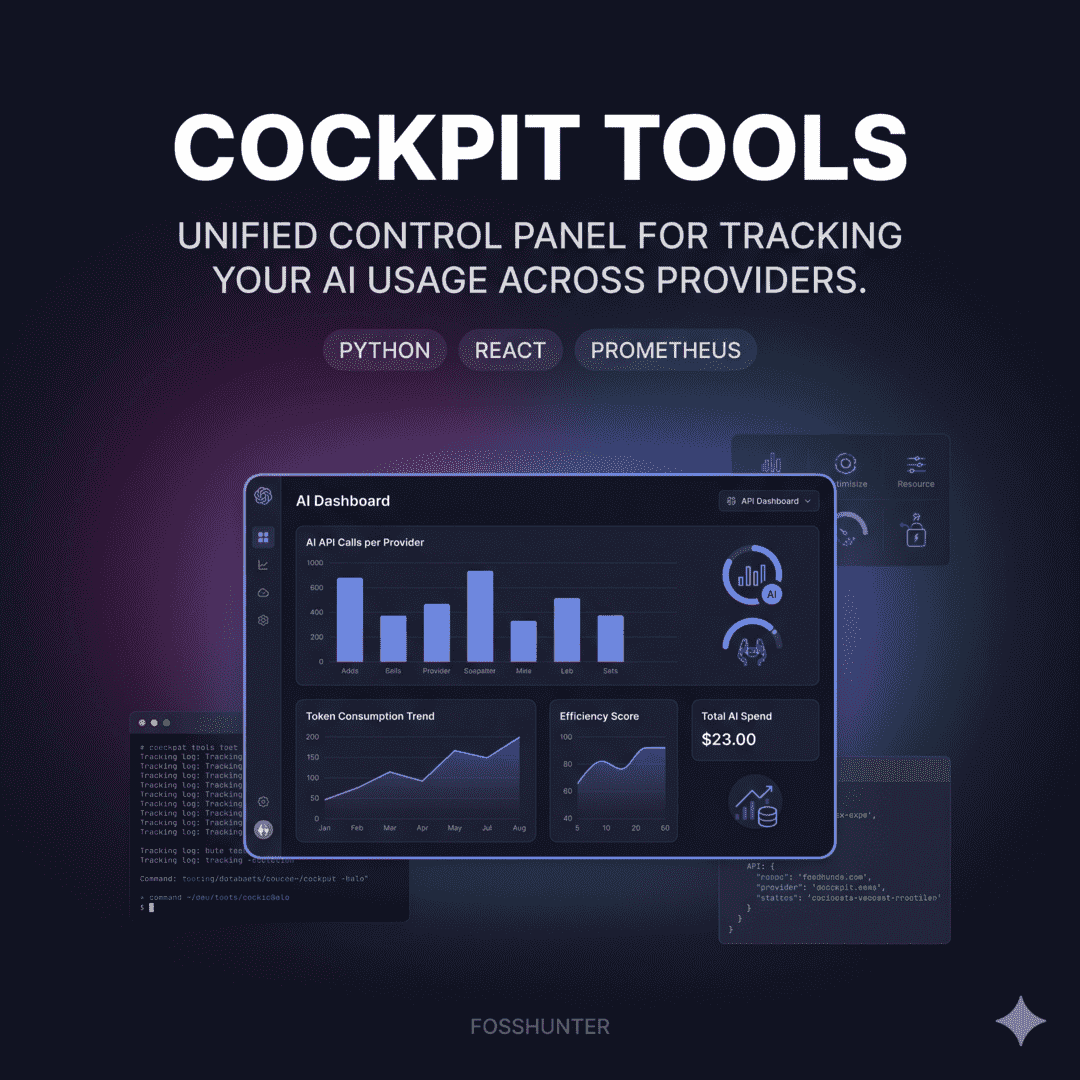
Cockpit Tools
Universal AI IDE account manager and quota monitoring tool
Screenshots
A closer look at the product interface and key surfaces.
Screenshot viewer
At a glance
- Primary use case
- Universal AI IDE account manager and quota monitoring tool
- Best for
- AI Usage Tracking — Codex, Cursor
- Stack
- javascript, nodejs, react, rust
- Maintenance
- 19 hours ago
- Access
- Open source · Self-hosted
- Documentation path
- https://github.com/jlcodes99/cockpit-tools/blob/main/README.en.md
Resource map
Website
https://github.com/jlcodes99/cockpit-tools
Repository
https://github.com/jlcodes99/cockpit-tools
Documentation
https://github.com/jlcodes99/cockpit-tools/blob/main/README.en.md
Source
https://github.com/jlcodes99/cockpit-tools
Read Markdown
https://www.fosshunter.com/tools/cockpit-tools.md
Read JSON
https://www.fosshunter.com/tools/cockpit-tools.json
About this tool
Cockpit Tools is a universal AI IDE account manager supporting Copilot, Cursor, and Windsurf. It features multi-account switching, real-time quota monitoring, automated wake-up tasks, and multi-instance management for optimized AI resource usage.
Repository
19,687
1,770
987
—
Features
- Monitors real-time usage and reset times for various AI IDE platforms.
- Allows seamless switching between multiple accounts and parallel instances.
- Features automated wake-up tasks and device fingerprint management.
Related tools
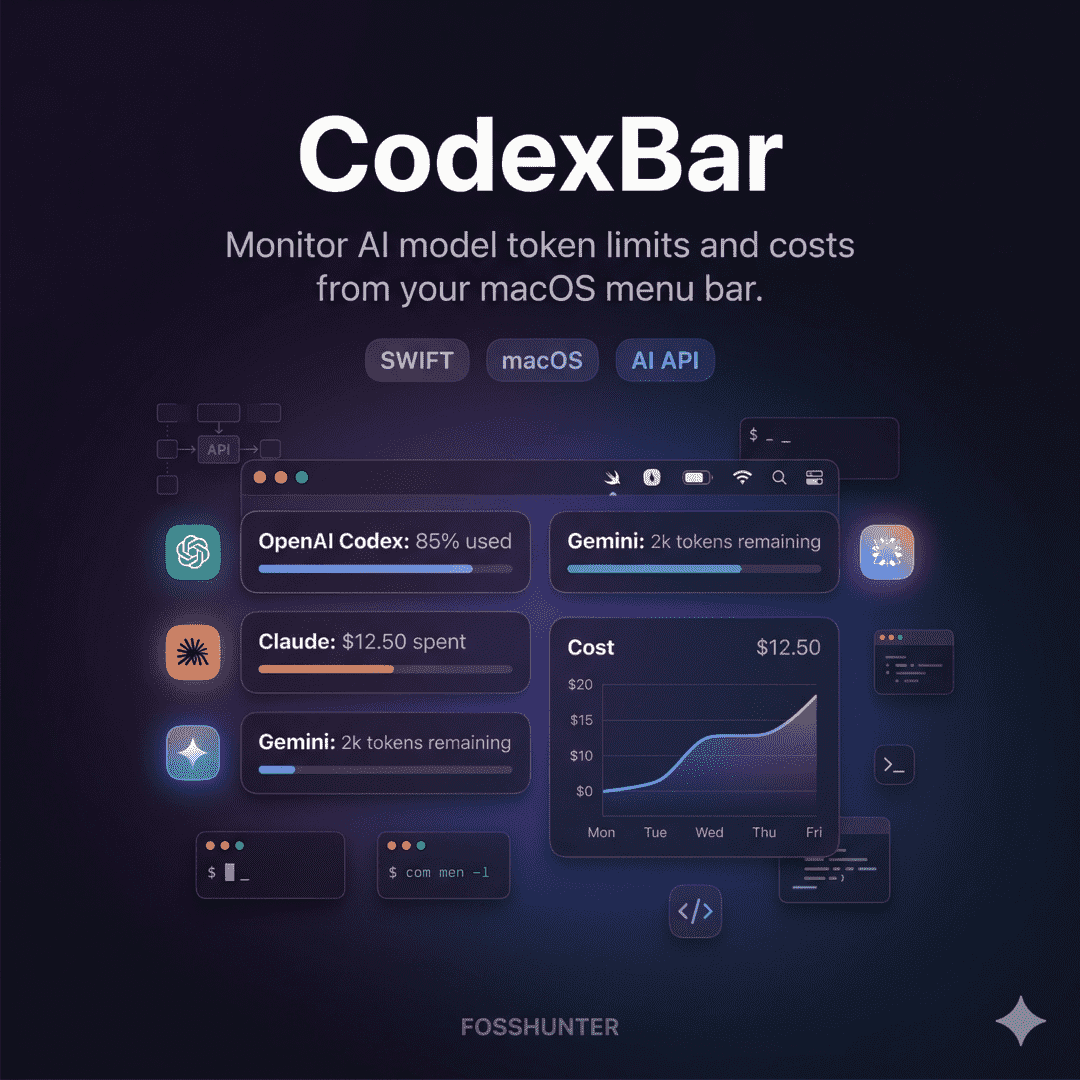
CodexBar
AI Usage Tracking
Access AI coding tools instantly from your menu bar

Ccusage
AI Usage Tracking
Analyze Claude Code usage and costs directly from your terminal
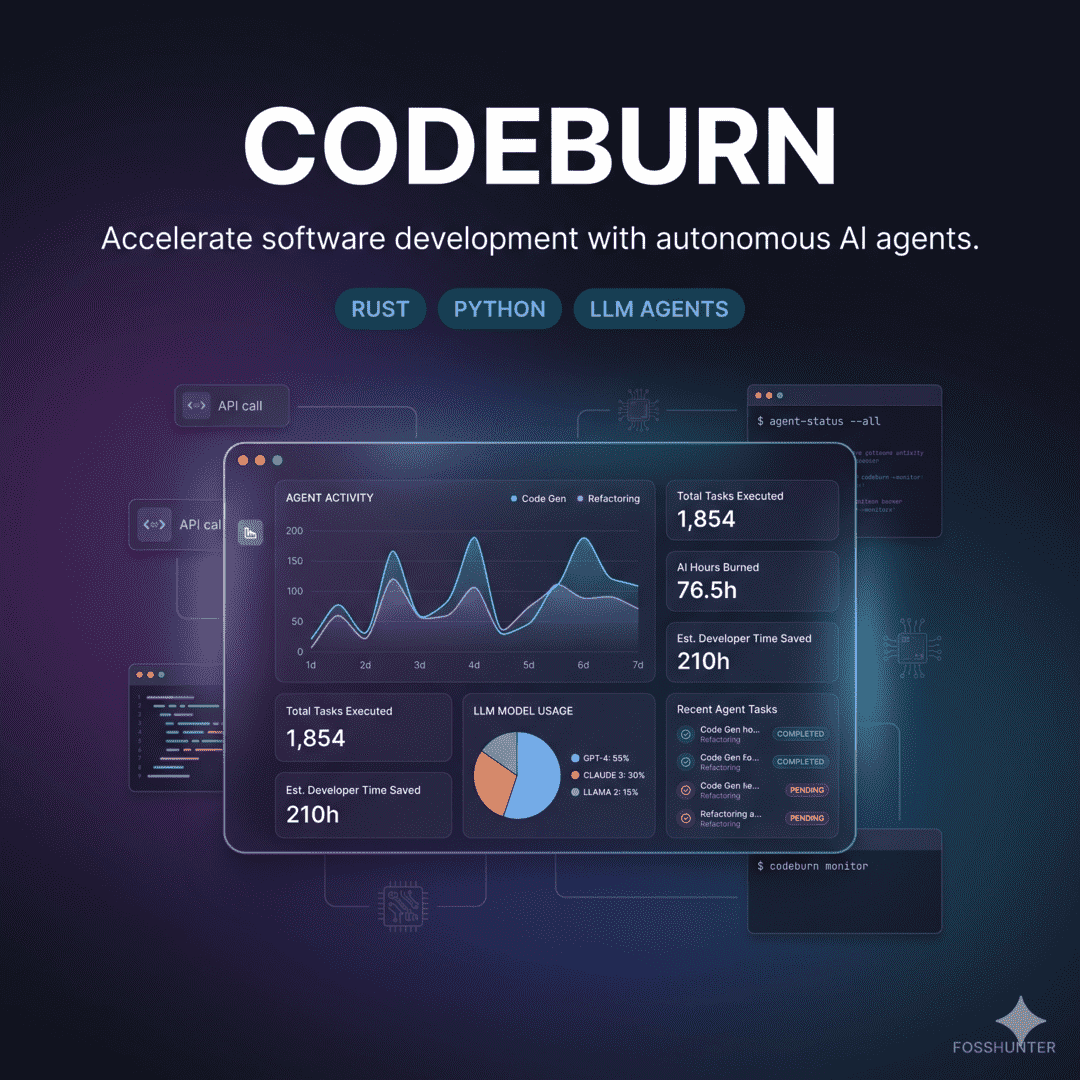
Codeburn
AI Usage Tracking
Track AI coding costs and token usage in your terminal dashboard
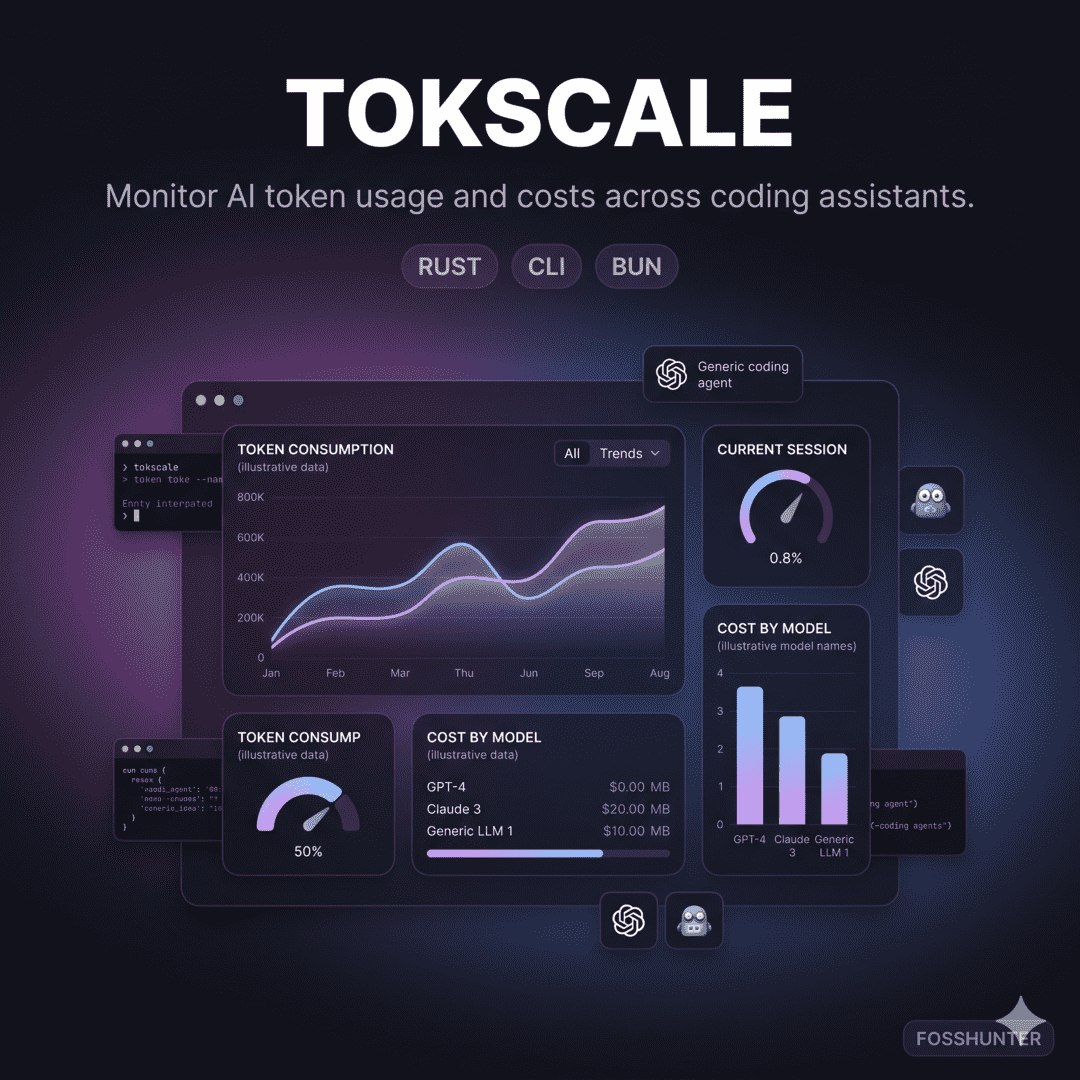
Tokscale
AI Usage Tracking
Track AI token usage and costs across coding agents with a Rust TUI
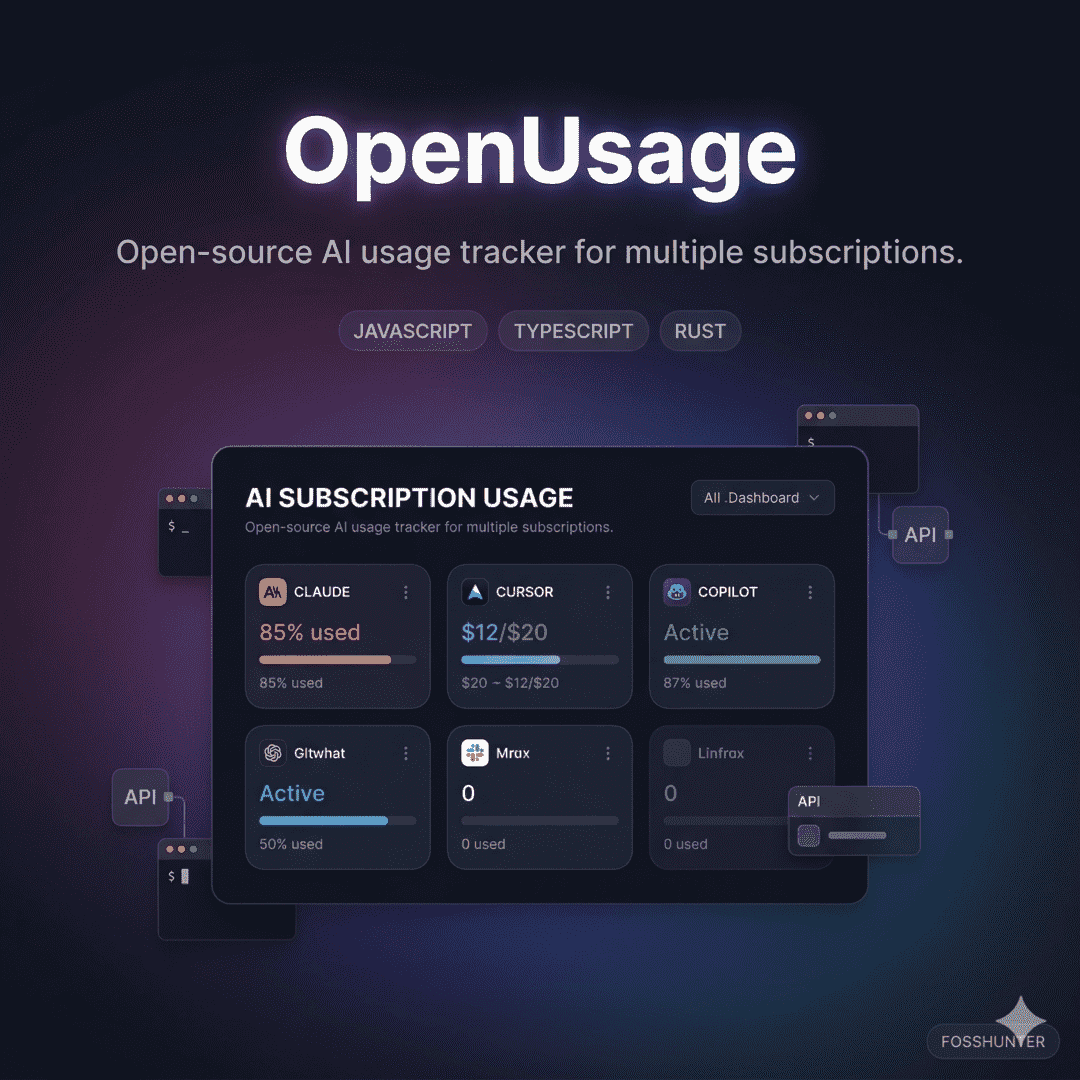
OpenUsage
AI Usage Tracking
Track and manage resource usage with clarity and ease
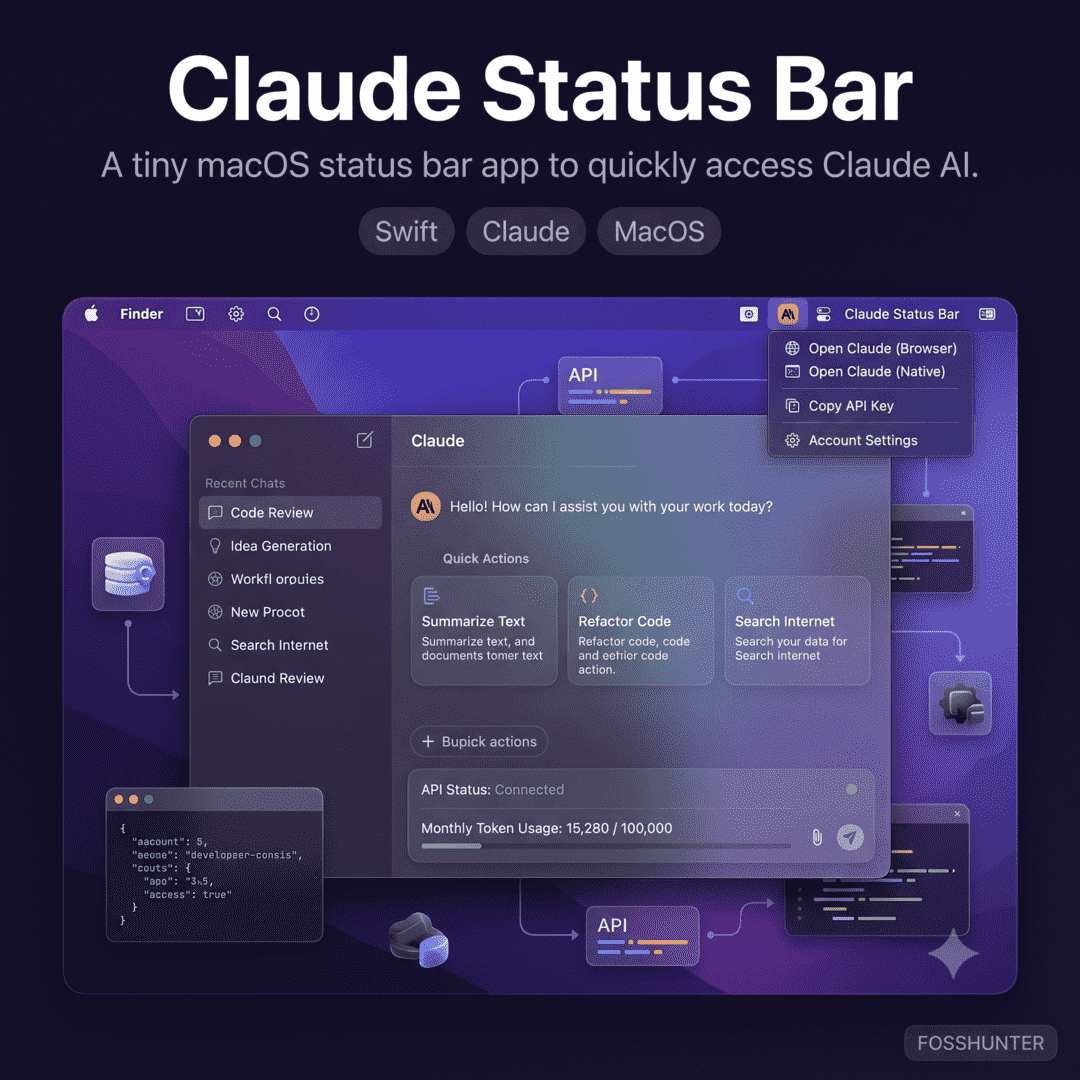
Claude Status Bar
AI Usage Tracking
Monitor Claude Code status and timers from your macOS menu bar
Published 6 months ago